



- Single User
- 10 Invoice Per Day
- Multiple Balance
- Export Report
- Manage Income,expense
- Invoice Signature
- Sales
- Purchase
Business Categories
Browse and select your preferred category
Affordable POS Software Pricing Plans for Your Business
- Unlimited Users
- Unlimited Invoice Per Day
- Export Report
- Multiple Balance
- Invoice Signature
- Manage Income,expense
- Purchase & Supplier
- Sales
- Unlimited Users
- Unlimited Invoice Per Day
- Export Report
- Balance Sheet
- Invoice Signature
- Manage Income,expense
- Purchase & Supplier
- Sales
Why Choose Our POS Software?
Discover the powerful benefits of our POS software to streamline and grow your business.
-
POS Software
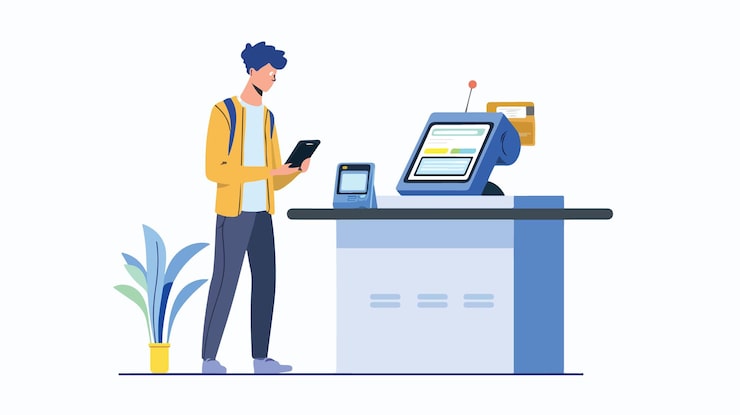
Run Your Entire Business With One Powerful POS Software.
Learn More
-
Cloud-Based POS
Manage sales and access your business data securely from anywhere with our cloud POS system.
-

Easy Billing
Create fast, accurate invoices and speed up checkout with our simple billing software.
-

Real-Time Inventory
Track stock levels instantly and prevent shortages with real-time inventory management.
-

Barcode Support
Scan, print, and manage products effortlessly with built-in barcode generation and scanning.
-

Multi-User Access
Add staff with role-based permissions and manage your team securely from one dashboard.
-

Fast Support
Get quick, reliable help whenever you need it from our dedicated 24/7 customer support team.
Key Features of Inventory System
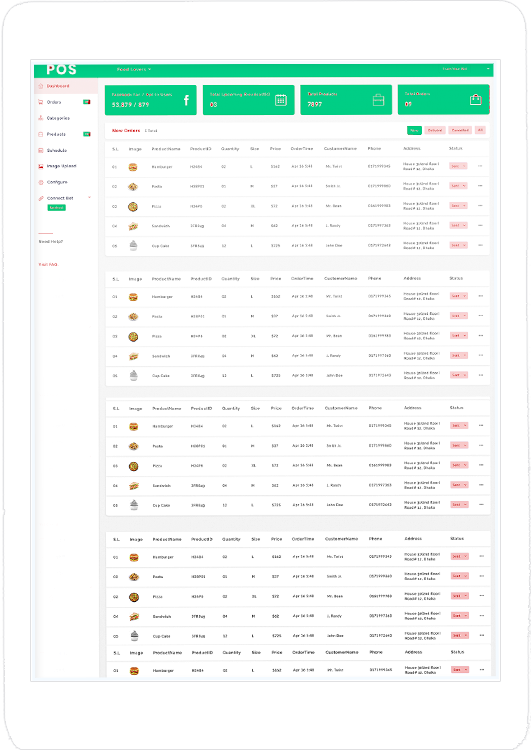
SME or Point of Sale (POS) system is a dynamic and integral tool that revolutionizes the way businesses conduct transactions and manage customer interactions. At its core, a POS system serves as the nerve center of retail operations, seamlessly merging sales, inventory, and customer data into a unified platform.
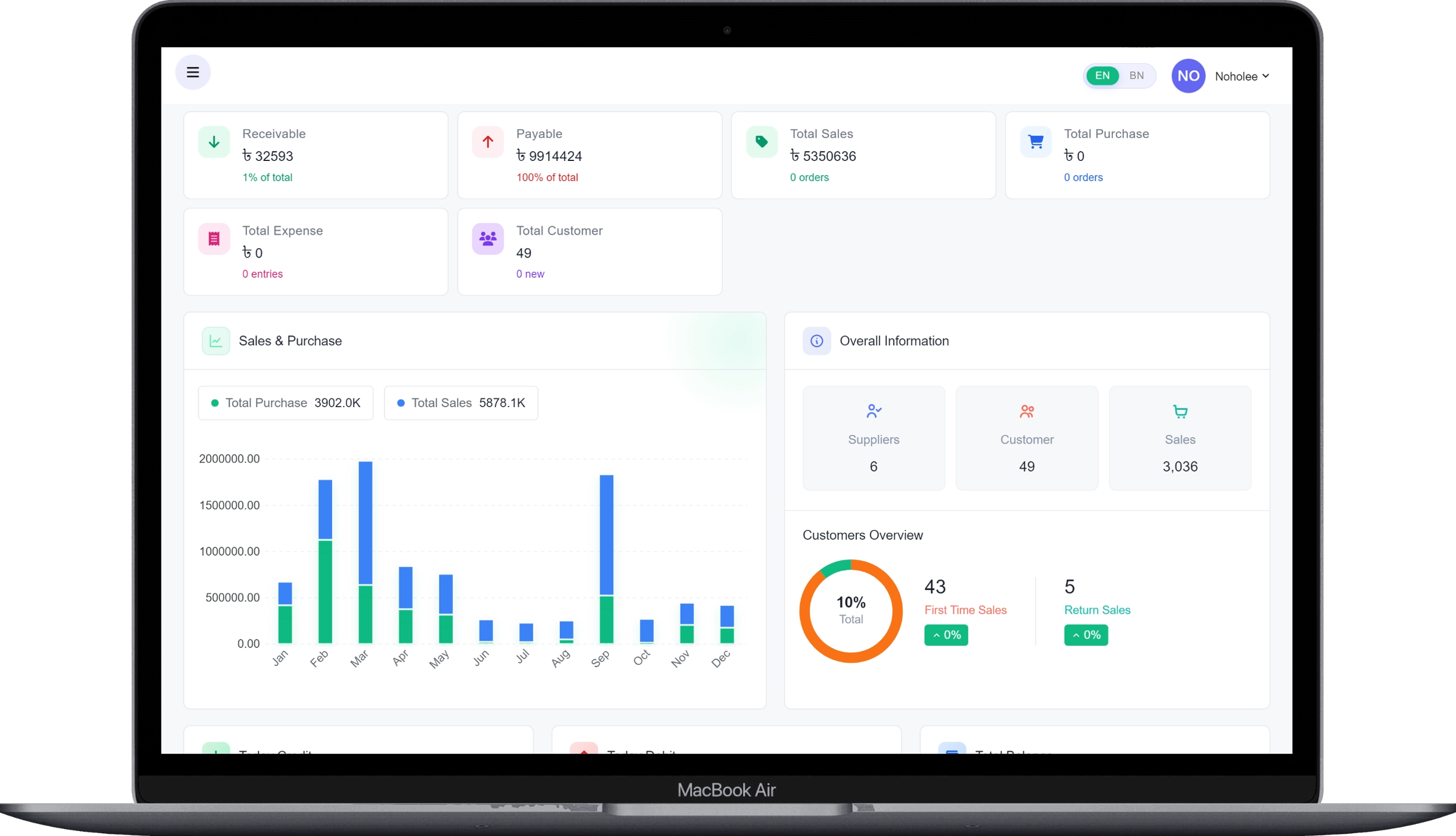
Informatic Dashboard
- 1. Date wise report
- 2. Total sales
- 3. Total purchase
- 4. Total customers
- 5. Total suppliers
- 6. Total payable & Receive able
- 7. Quick links
- 8. Income & Expense Statements
9. purchase & sales data chart
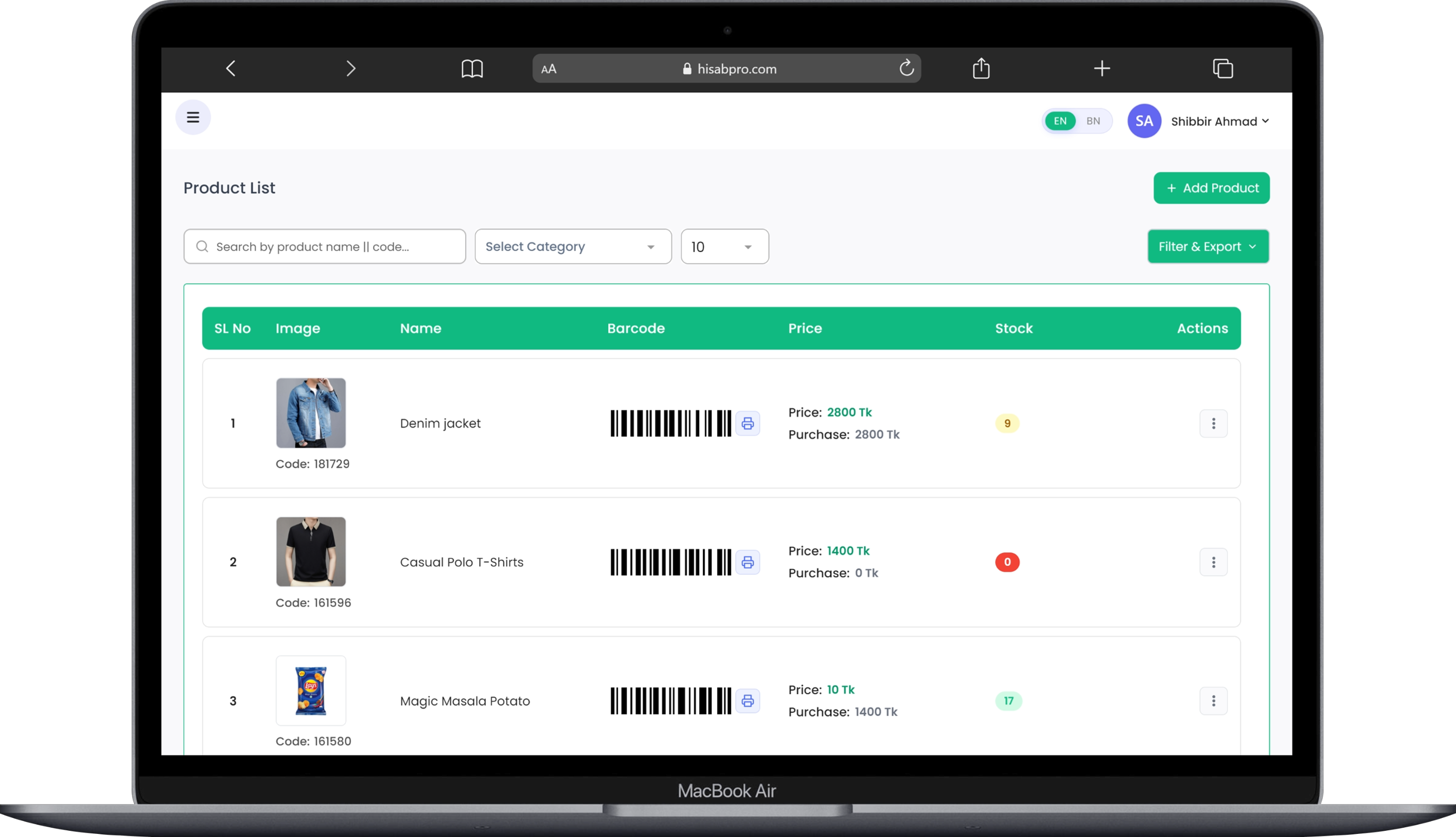
Product & Stock Module
- 1. add & edit
- 3. stock by purchase
- 4. stock by manual
- 5. filter by category
- 6. real-time searching
- 7. Report tracking (purchase records, sale records, profit or loss tracking)
- 8. Barcode print
- 9. Low stock alert
- 10. Duplicate products
- 11. Custom SKU
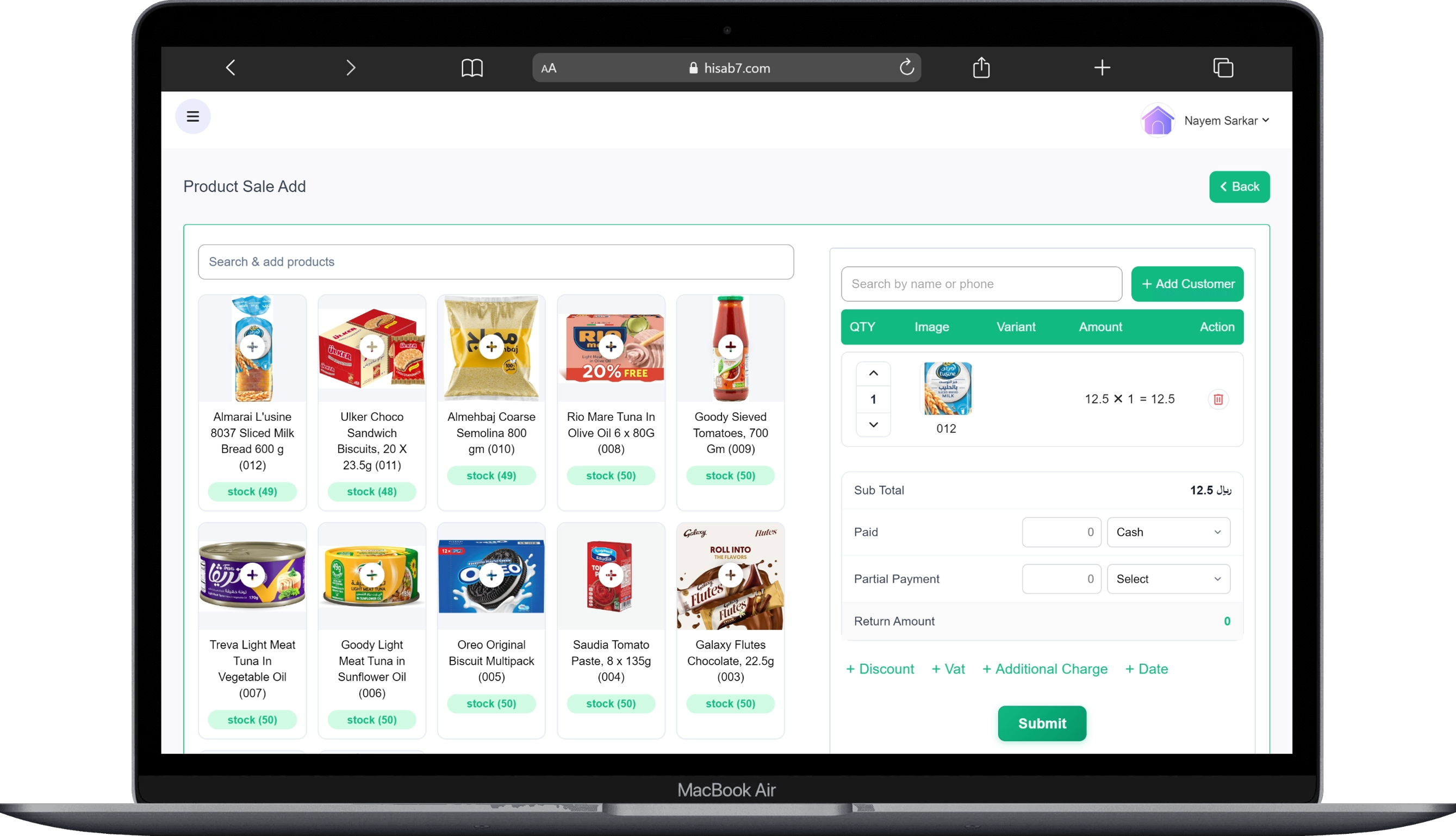
Purchase & Sales Module
- 1. purchase add
- 2. purchase edit (until confirmed)
- 3. Material purchase
- 4. purchase return
- 5. supplier add and edit
6. every supplier purchase records, payment records
7. Total purchase, paid, return and due
facilities and accessibility
- 1. Tracking everything in one platform: Purchase, Sales, Payment & Collection.
- 2. Digital Invoice Generation
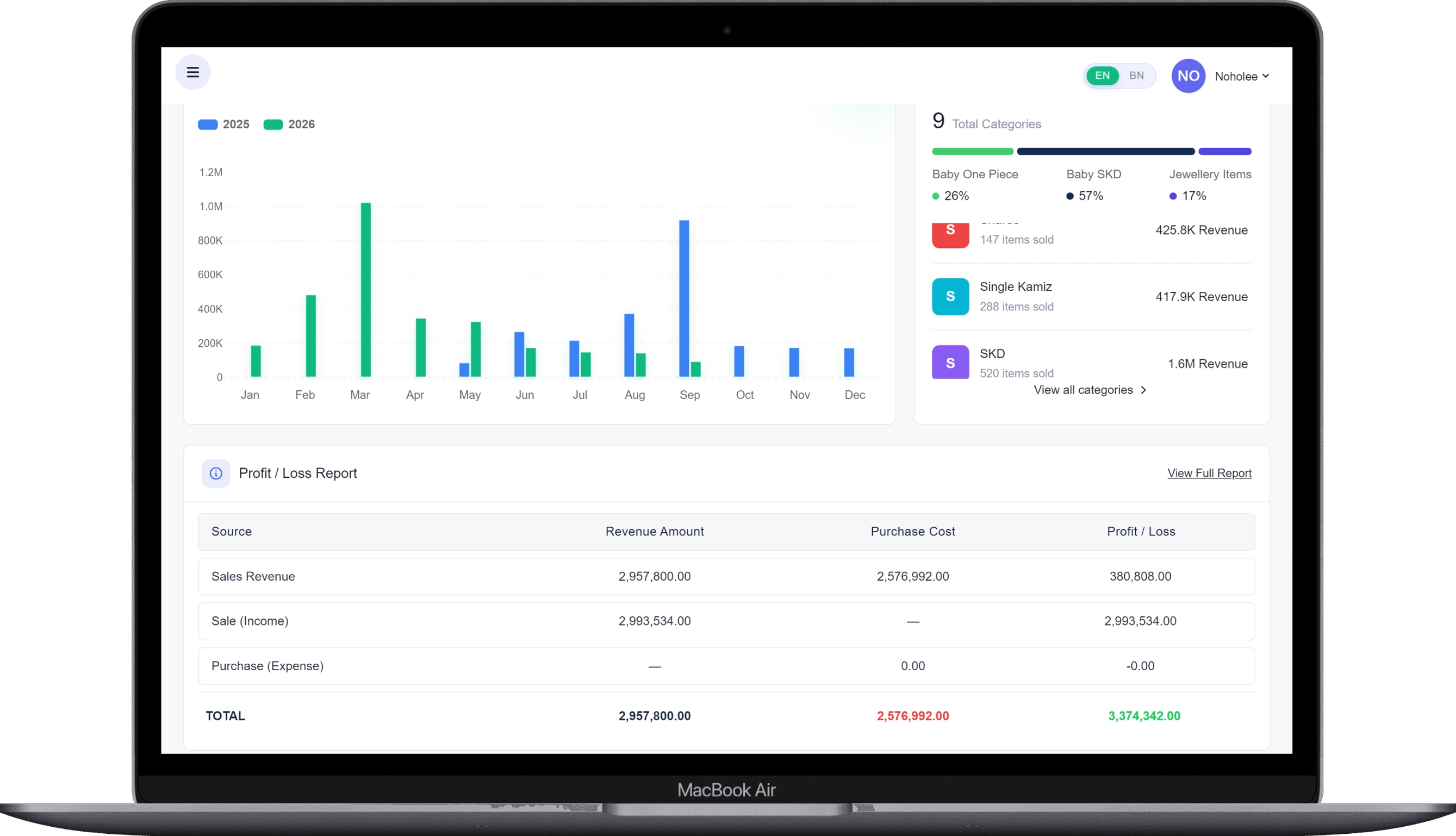
- 3. Real-time reports: Income Statements, Expense Statements, Balance, Stock Reports, and Profit/Loss Reports.
- 4. Managing receiveable & payable on a real-time basis.
- 5. access from anywhere in the world.
Latest Blog Articles
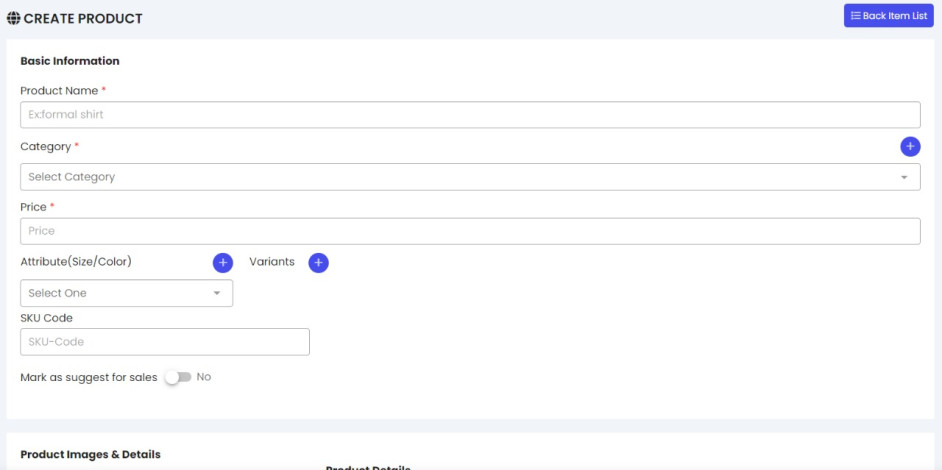
login to your account panel. go to all products from the product menu. now click on the add product button. Now here you find the product upload page. submit the product name, price,...
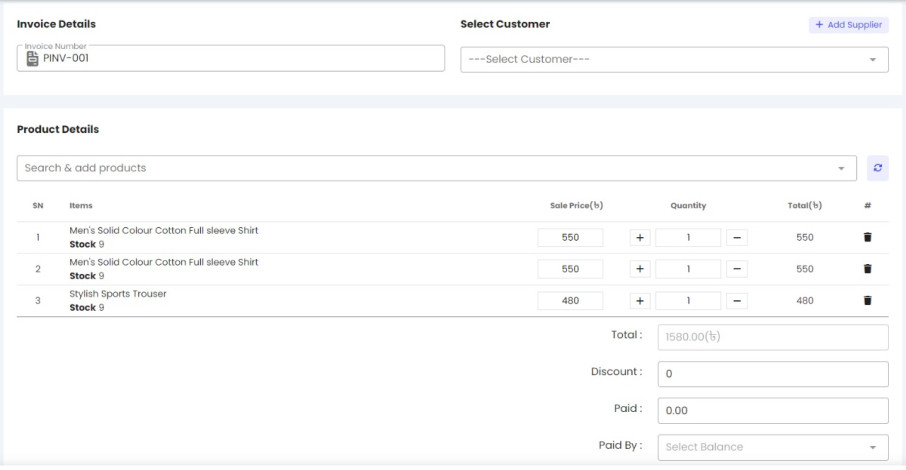
login to your account panel. go to add sales from the sales menu. now click on the add sales button. Here you will find the sale data insert page. submit the customer information and produc...

To create an account in our system, you have to follow some necessary steps. Step one:Click on the register buttonEnter your 11-digit mobile numberVerify your number with the OTP cod...
Learn & Grow
Video Tutorials
Step-by-step guides to help you get the most out of the platform
FAQ
Everything You Want to Know About POS Software
Pricing, inventory, multi-shop management, backup — find quick answers to the questions we get asked the most.
POS (Point of Sale) software is a system that lets you manage your shop's sales, stock, and accounting all from one place. No more hassle with handwritten registers — every sale is recorded automatically.
It depends on the type of business you run. That said, the choice is usually the one that's easy to use, supports your local language, and gives you fast support from a dedicated team. We take time to understand your business and set things up accordingly.
Pricing depends on the size of your shop, the features you need, and the number of users. There's a package for small shops, and a separate one for multi-branch businesses. Tell us what you need and we'll recommend the right package and price.
Yes, absolutely. Each branch's sales, stock, and accounts are tracked separately, and you can also view combined reports across all branches in one place. As the owner, you can check updates for any branch right from your phone.
Absolutely. Stock for every product updates automatically, you'll get notified when stock runs low, and you'll get reports on which products are selling the most. No more manual counting.
Yes, barcode scanners are fully supported. Scan a product and its price and stock info pop up instantly, making checkout faster and cutting down on errors. You can even print your own barcodes if needed.
Yes. All your data is backed up to the cloud on a regular basis. Even if your device is lost or damaged, you don't lose any data — just log in on a new device and everything's back.
Yes, you can log in from any smartphone. Even when you're away from the shop, you can check sales, stock, and your daily reports right from your phone.
Still have questions?
Talk to our team directly — whatever you're wondering about, we're ready to help.

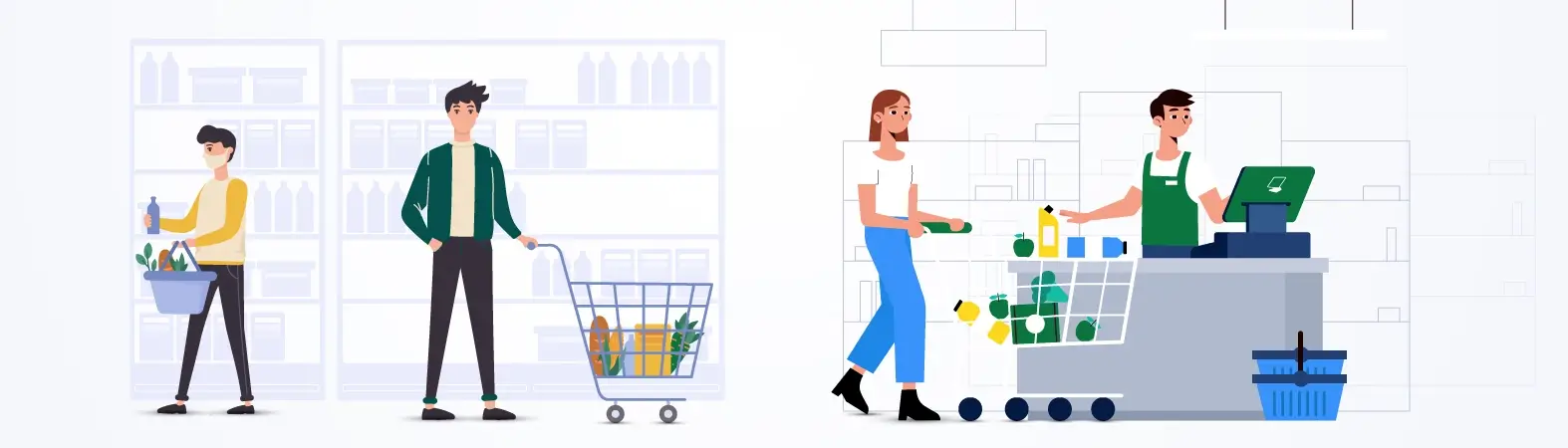
Ready to Grow Your Business?
Start Using the POS Software in Bangladesh Today.
- Free Trial
- Easy Setup
- Local Support
- Affordable Pricing
